Yes. After purchasing Diffchecker Desktop, your invoice will be available under the 'Subscription' panel in your Diffchecker user account. The receipt will include the last 4 digits of your credit card number, purchase date, transaction ID, your name, email, company name and address (if provided) and our business number.

Diffchecker Enterprise
Enterprise grade security
for teams thatexcelupdatereviseeditreviewmergeaudit
Protect sensitive and confidential data, speed up reviews and standardize document control across your company.
Discover why your employees already use Diffchecker
More than 150 employees sign up with company emails every week, including those in regulated industries. Chances are someone at your organization has already used Diffchecker.
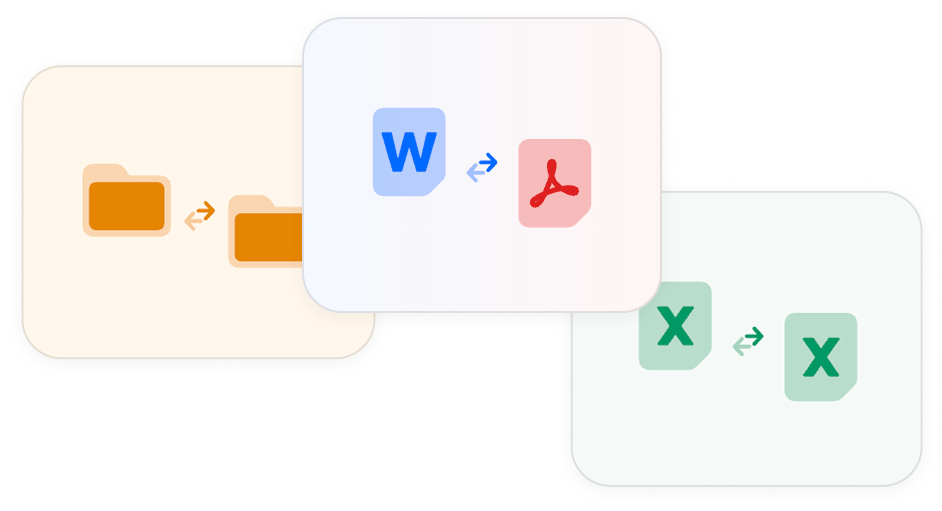
Multiple file format support
Compare text, PDFs, Word documents, spreadsheets, images, presentations and folders, handling even most complex files.
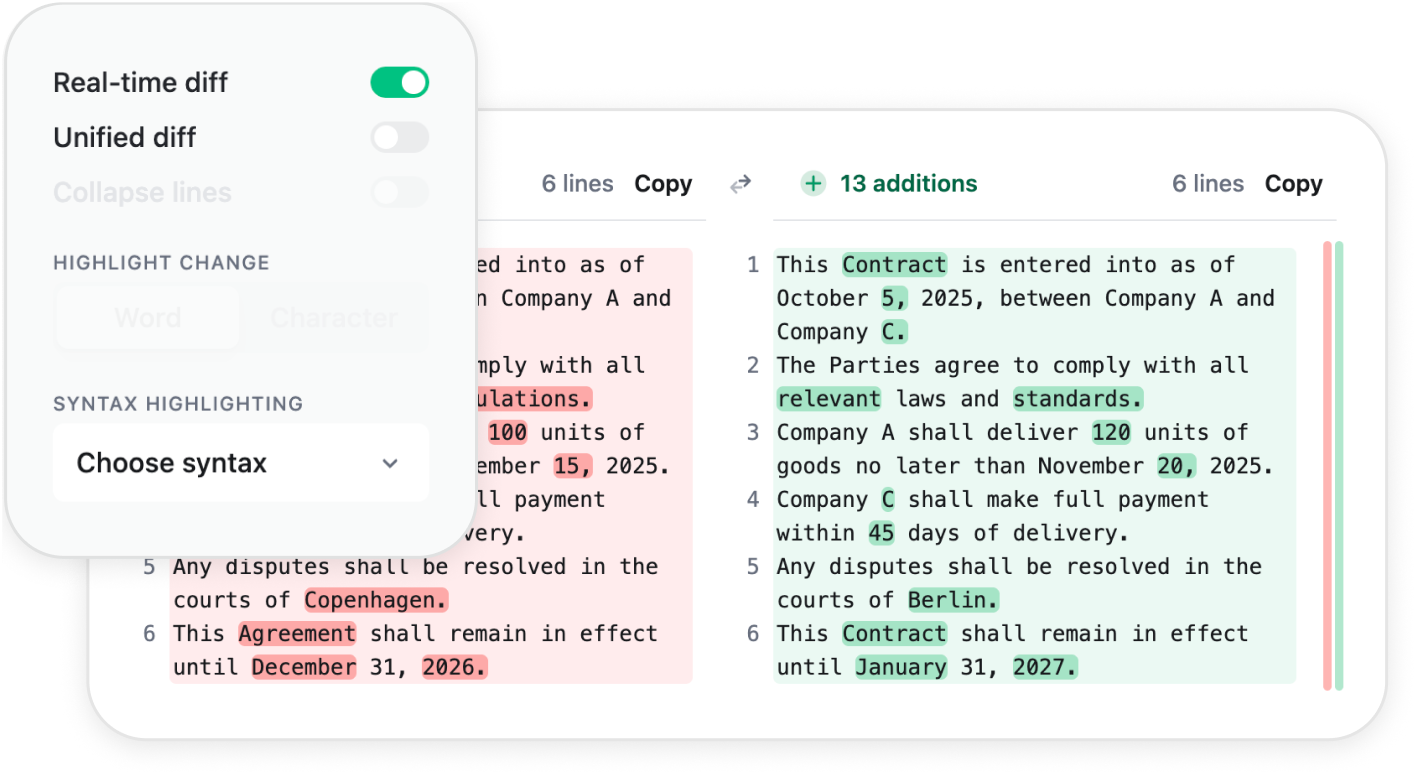
Advanced comparison features
Compare files with character-level precision, edit them in real time, explain changes with AI or add comments for collaboration, all in one click.
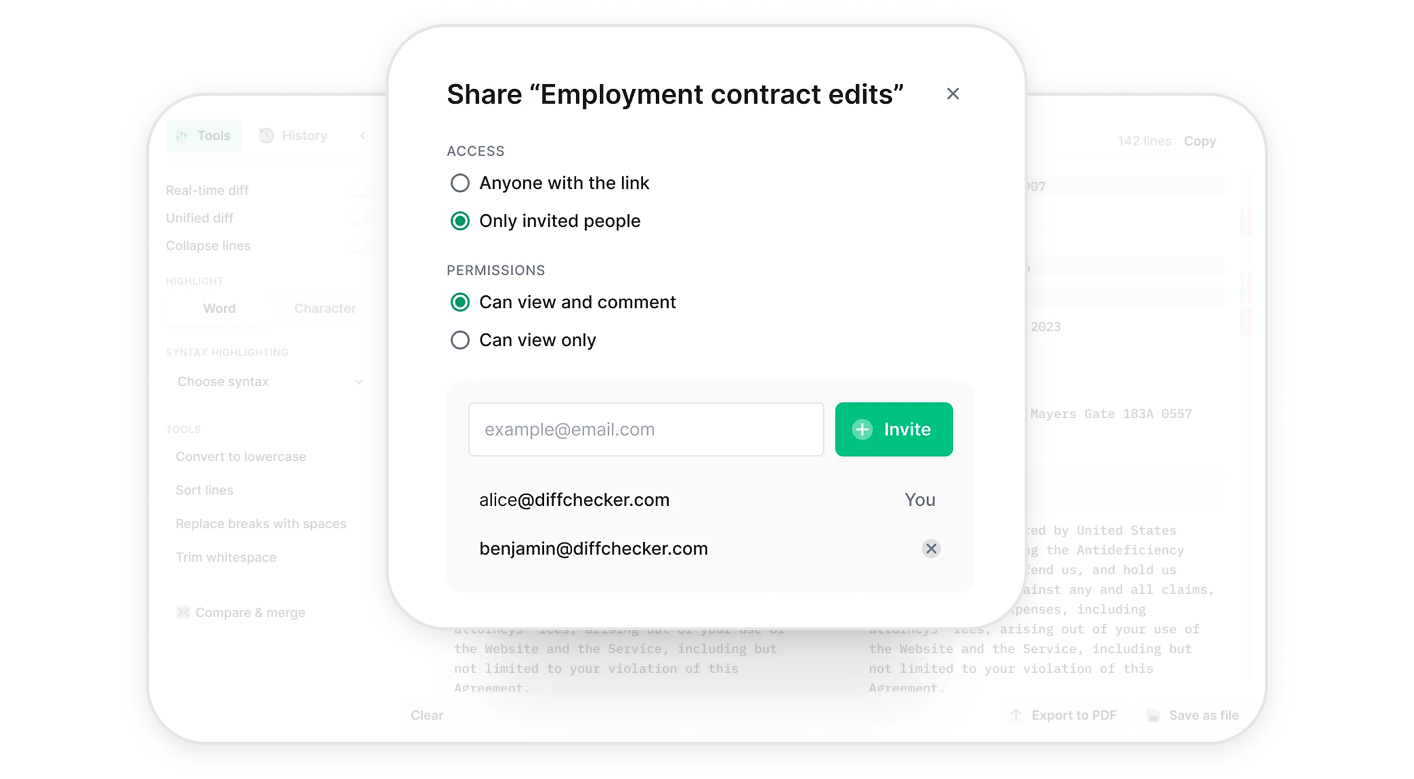
Professional export and sharing
Create professional redlines and export comparisons in multiple formats including PDF and native Diffchecker format.
Enterprise plan designed for industry-level security, collaboration and support
1M+ people use Diffchecker every month. For teams in regulated fields and high stakes work, our Enterprise plan adds SAML single sign on, powerful integrations, and dedicated support.
Keep sensitive data confidential and collaborate securely
Give your team secure, local access to all of Diffchecker's powerful comparison tools, keeping your sensitive data on your own machines.
SECURE
Your sensitive files never leave your computer, preventing data breaches.
PRIVATE
Your data is always yours. Our desktop app is free from third-party trackers.
OFFLINE
Our desktop application works fully offline, so you don't need to rely on WiFi to make diffs.
Centralized access with SAML single sign on
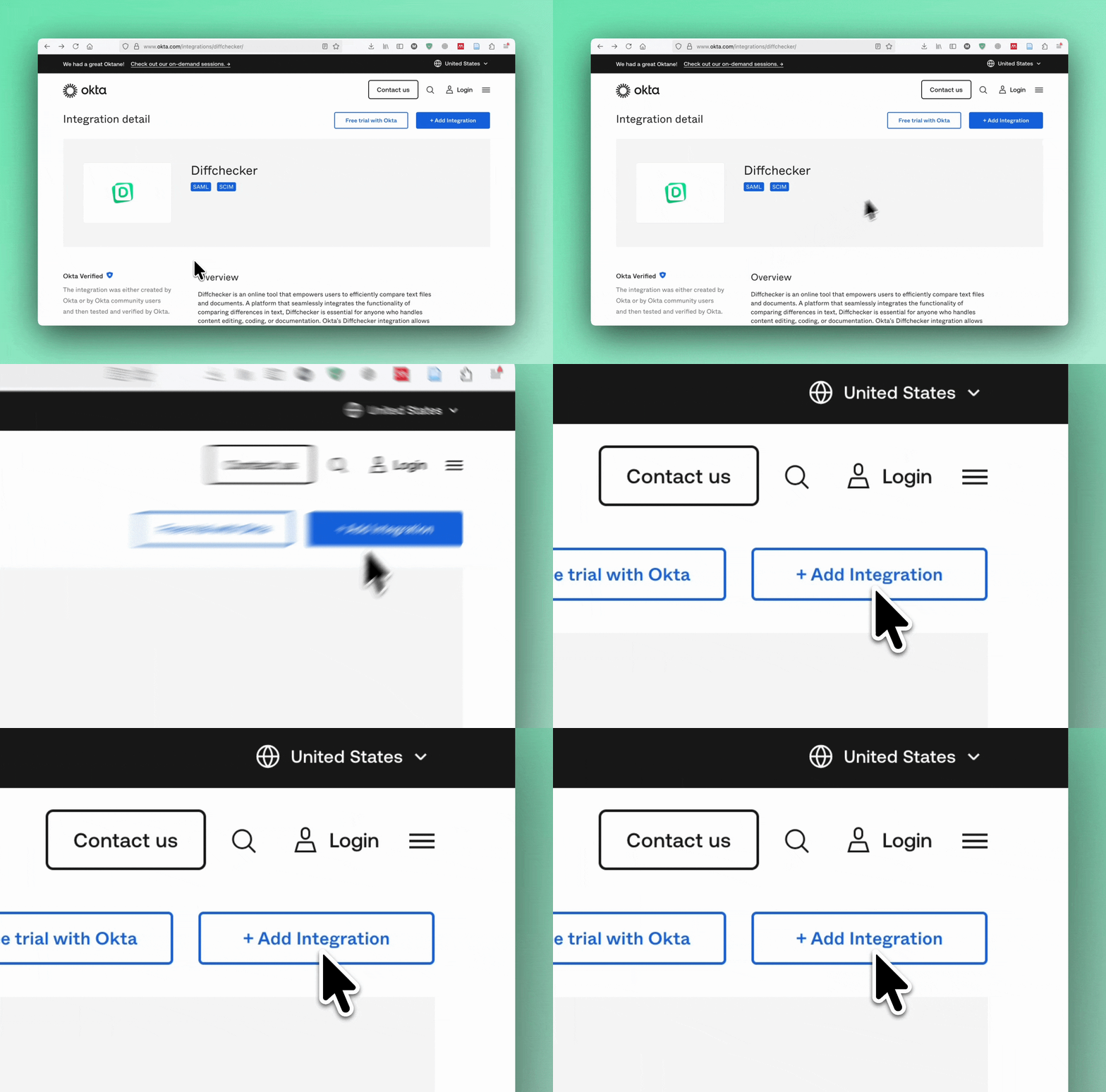
With Diffchecker connected to your identity provider, teams sign in with the same credentials they use every day. We support Okta, Microsoft Entra ID, and any other SAML provider. Our team is ready to guide you through organization setup if you need a hand.
Custom Integrations
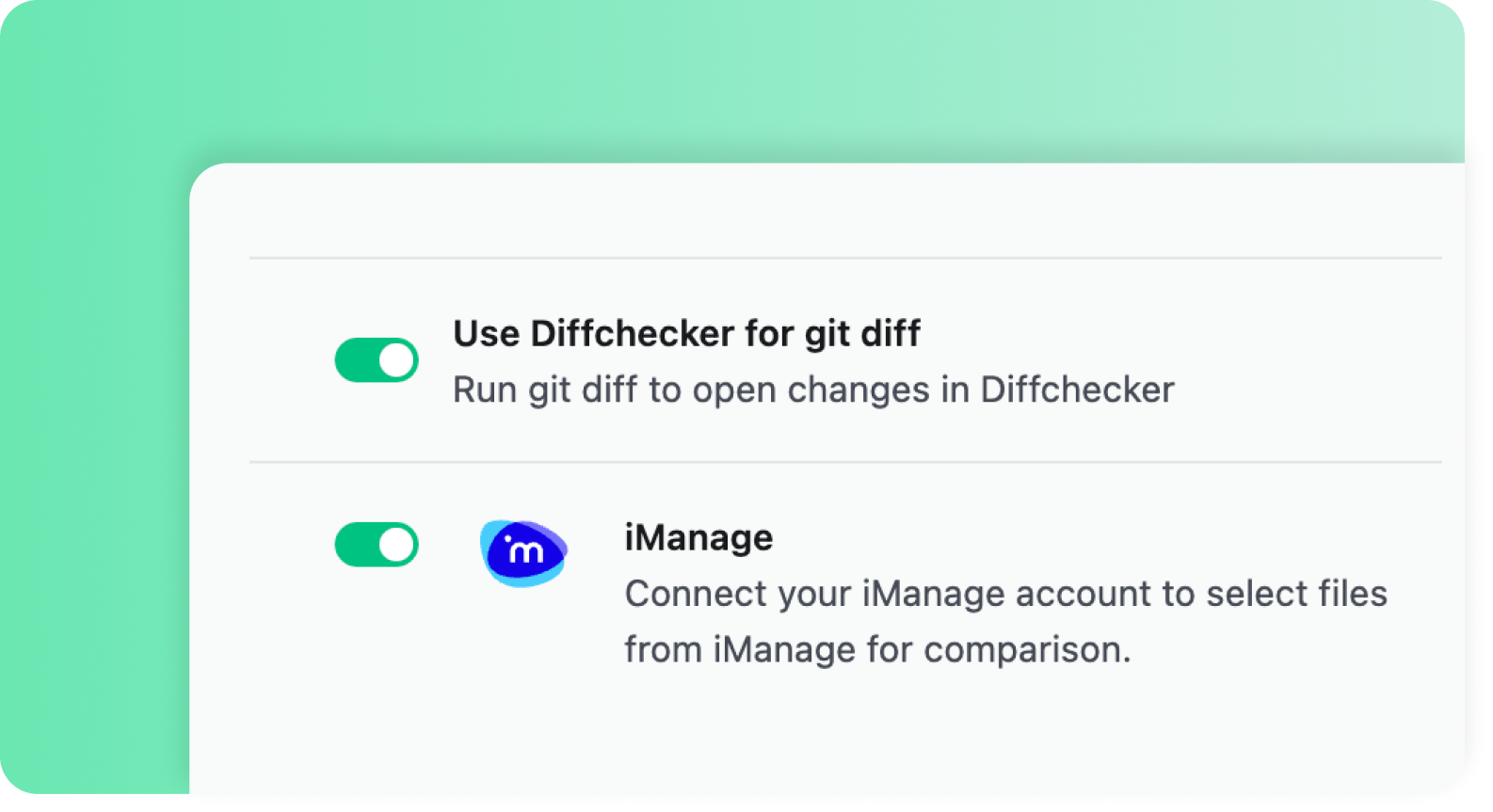
Diffchecker supports custom integrations tailored to your needs. Legal teams can seamlessly connect with iManage. Need something else? We're happy to build a custom integration that fits your workflow.
Dedicated 24/7 Support
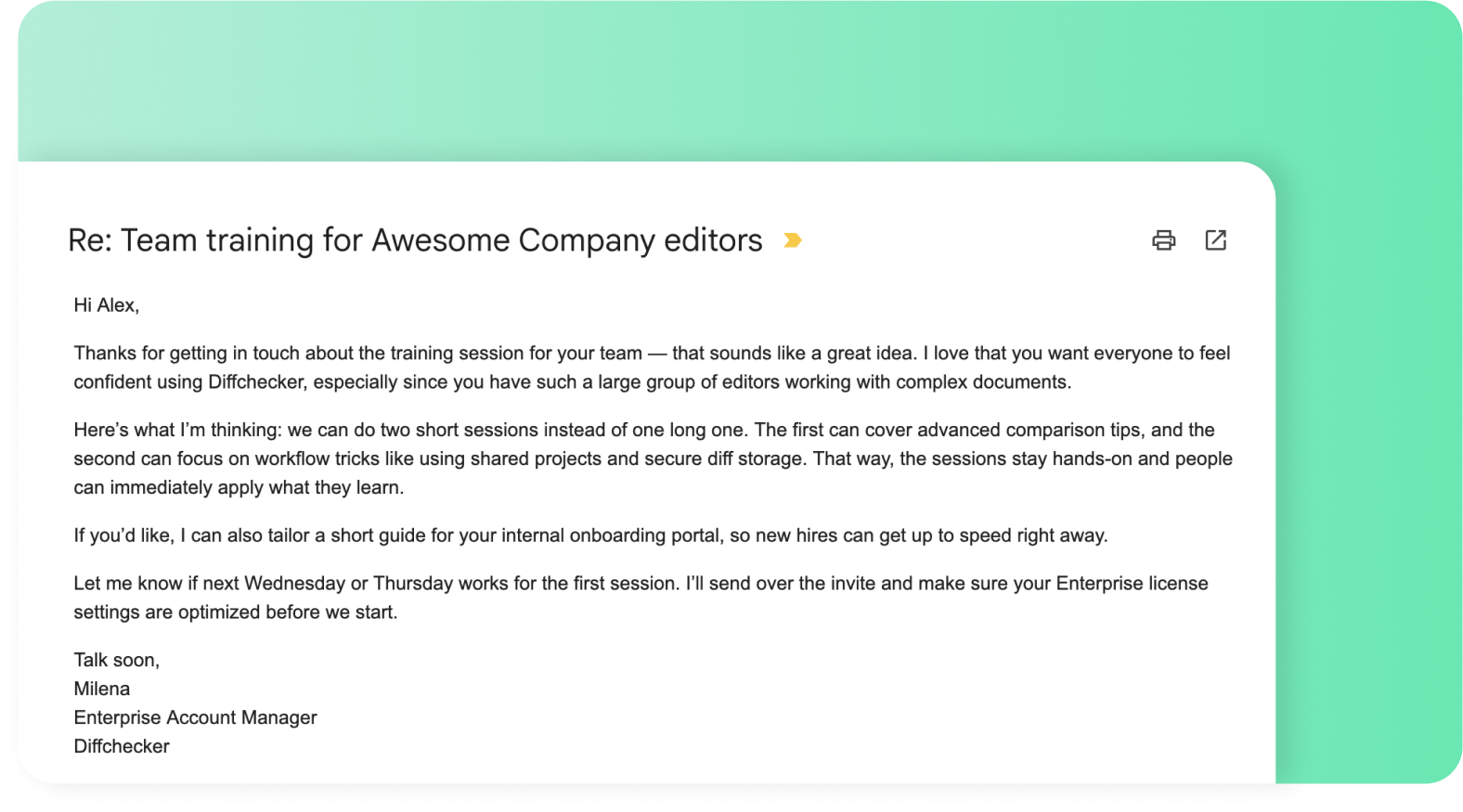
From hosting training sessions on how to best use our software, to providing 24/7 emergency support, your dedicated account manager will always be there for you, from onboarding to everyday requests.
Don't just take our word for it
“We're doing a large-scale migration at Airbnb and our entire team uses diffchecker to ensure that we don't introduce diffs in the new output. The UX for finding diffs is the best we've found across all the diff checking tools. Our most used feature is the ability to save and share diffs, which helps us easily share diffs for debugging and issue tracking.”

Zhi Pan
Software Engineer

“Since the start of my career, Diffchecker has been my go-to for catching the kind of discrepancies you would never find on your own. And not finding them can sometimes lead to disastrous outcomes.”

Alexander Cooke
Senior Software Engineer

“I originally signed up for Diffchecker for some extra functionality I needed. I've used it ever since to check API response differences, debug outputs, and compare code and data when testing.”

Abdull Ahmed
Senior Software Engineer

“Diffchecker has been great for my company to compare code and PDF documents quickly and accurately. I appreciate having one tool to compare multiple types of files. Diffchecker is a step above Adobe in terms of file comparison.”

Nicholas English
Vice President
Terabitten
Frequently Asked Questions
Yes! You can use your Diffchecker Desktop license on three devices simultaneously, however you must be the primary user of each device. This way, you can keep using Diffchecker Desktop even if you replace your PC or use different computers at home and at work.
You can also change computers and your license will automatically move to the new device.
If you have purchased multiple licenses, they can be assigned to employee Diffchecker accounts in the 'Subscription' panel of your Diffchecker user profile page. Each assignment will generate a link that your employee can use to redeem the license.
Your subscription will automatically renew on a monthly or yearly basis, depending on the plan you have chosen. If you cancel your plan, it will not renew at the end of your subscription cycle. It will end once the period you have paid for is over.
You can upgrade from a monthly to a yearly plan at any time in your account settings. When you switch, you'll receive a prorated credit for the unused portion of your monthly subscription, which will be applied to your yearly plan purchase.
You can cancel your subscription in your account settings. You will be able to use Diffchecker Desktop until the period you have paid for is over.
To request a refund, please fill out our contact form within 30 days of your purchase. We'll send you a confirmation email as soon as your license has been cancelled. Refunds can take up to 7 days to appear in your account.
Yes. If you have a Pro + Desktop, Enterprise, or Legal subscription, you can disable web access for individual licenses from your account settings. When web access is disabled, the assigned user will only be able to use Diffchecker through the desktop app.
Yes. To access the Diffchecker Desktop End User License Agreement (EULA), please go to the Diffchecker Desktop EULA.